If you have never worked at Amazon before, the hiring process is much easier to understand when you see it as a sequence of clear steps. At each stage, you only need to do one specific thing: find the right shift, complete the application, pass the required checks, wait for confirmation, and then attend your first day of training.
The main rule throughout the process is simple: follow your Candidate Portal, your personal checklist, and the latest emails from Amazon. The process is slightly different in Canada, the UK, and the US, but the overall structure is very similar.
Step 1. Decide what kind of schedule actually works for you
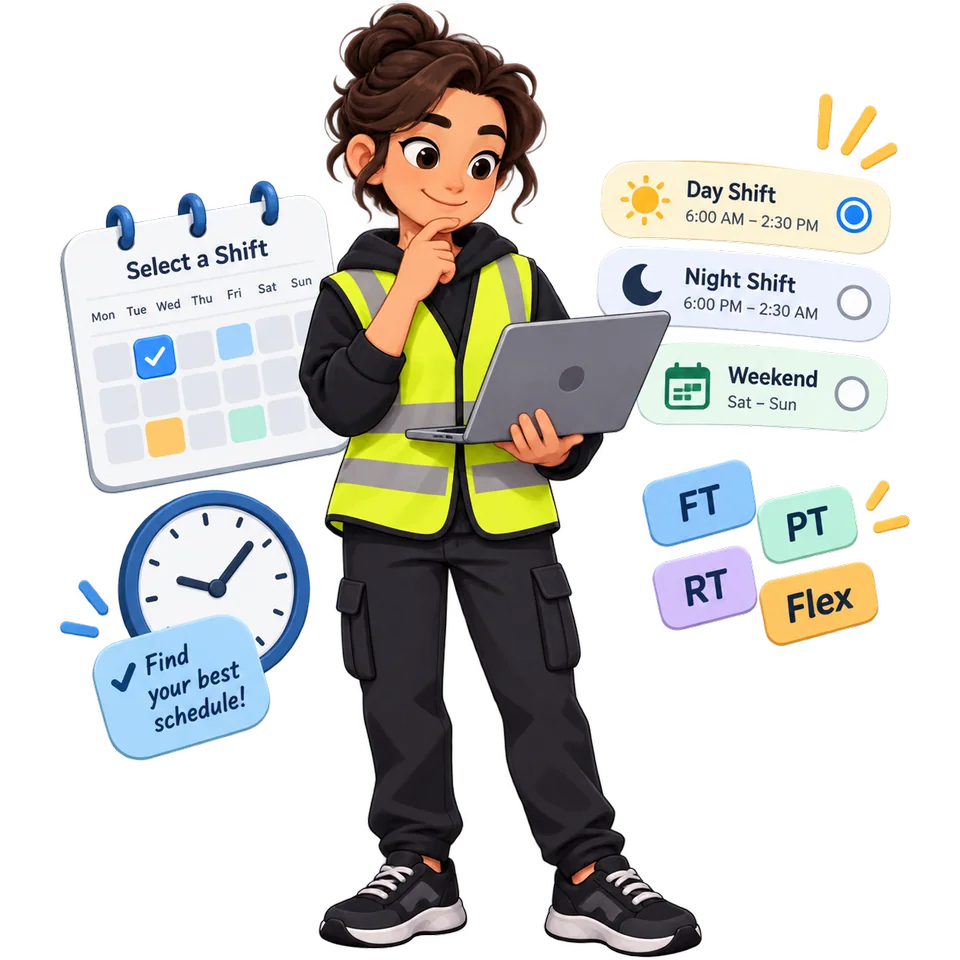
Before a vacancy appears, it is better to decide when and how much you are realistically able to work. This matters because suitable shifts can appear for a short time, and once a good opening becomes available, you may not have much time to compare every option.
At Amazon, the shift itself and your employment type are not the same thing.
A day shift means you work during the day, a night shift means you work overnight, and a weekend shift mainly covers weekends.
Full-time (FT) means a full working schedule.
Part-time (PT) means fewer scheduled hours.
Reduced-time (RT) is usually somewhere between standard full-time and traditional part-time hours.
Flex means that after your required initial training, you choose from the shifts Amazon makes available in the scheduling system.
You should also look at the employment status of the job. Regular means an ongoing position without a predefined seasonal end date. Seasonal means a temporary or seasonal position. A seasonal employee may later be converted to regular status, but that is not guaranteed.
What you should do at this stage
Decide in advance which days and hours you can work and how far you are realistically willing to travel to the site. If you cannot maintain a night schedule long-term, do not choose a night shift only because the hourly rate is slightly higher. If you need predictable weekly income, remember that Flex gives you more control over when you work, but it does not guarantee that your preferred shifts will always be available.
You are ready to move on when: you already know which openings you would apply for and which ones you would immediately skip.
Step 2. Find an active vacancy and complete the application
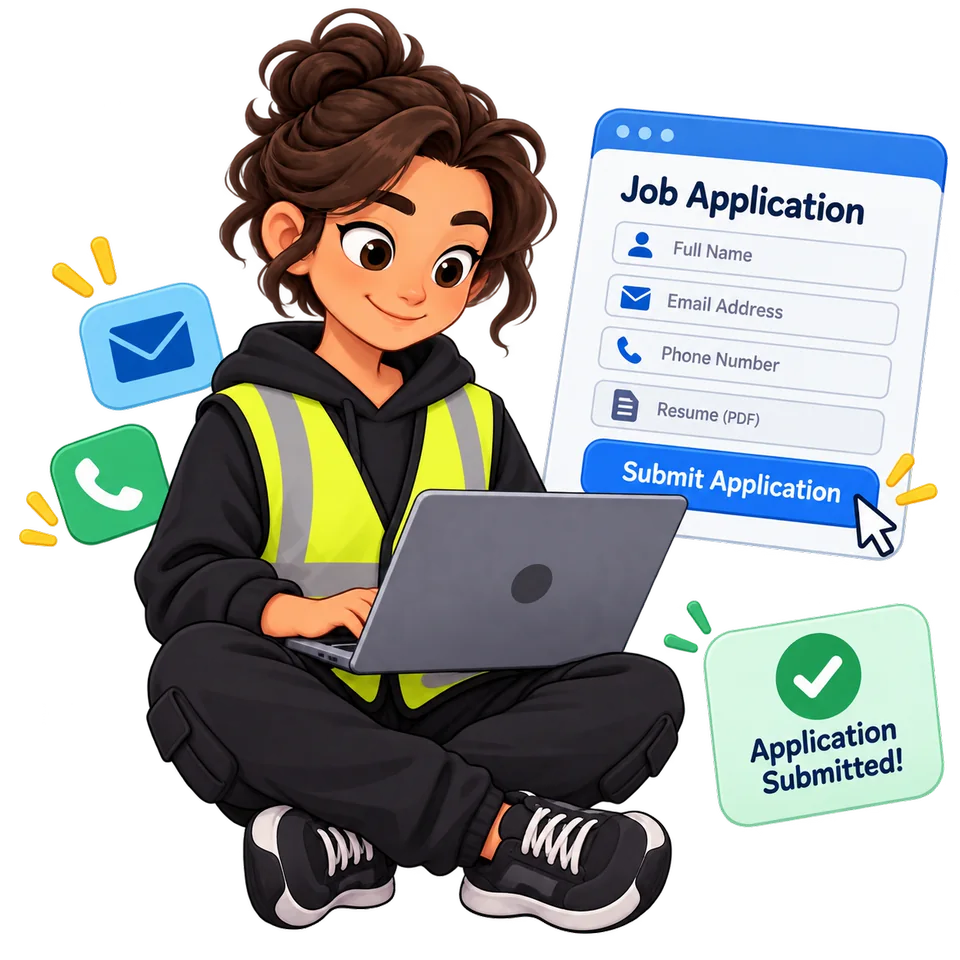
Official websites for warehouse and hourly jobs are:
Canada: hiring.amazon.ca
An Amazon vacancy is usually more specific than simply “an Amazon warehouse job in this city.” You are often choosing a particular site, type of operation, schedule, and sometimes an expected start date.
One city may have several different types of Amazon facilities. For example, a Fulfillment Center stores inventory and processes customer orders, a Sortation Center sorts prepared shipments, and a Delivery Station prepares packages for the final stage of delivery. You do not need to understand every facility type in detail before your first application, but you should know that the actual work can be very different from one building to another.
When a suitable vacancy appears, it is better not to delay. The number of places on a particular shift is limited, and the shift may disappear while you are still deciding.
What you should do at this stage
Open the vacancy and check the location, working days, start and finish times, employment type, and whether the position is seasonal or regular. If everything works for you, complete the application and make sure you reach Submit application.
In Canada and the US, Amazon warns that if you start an application and leave it unfinished for too long, the shift you selected may no longer be available.
You are ready to move on when: the application has actually been submitted, not just when you have selected a shift.
Step 3. Open your Candidate Portal and see what Amazon asks you to do next
After you submit your application, you do not need to guess what the next step will be. Amazon shows the required steps in your candidate account.
This is where many first-time applicants get confused: they read someone else’s experience online and expect the same sequence. But candidates in the US, the UK, and Canada may see different steps.
After submitting, you may see an assessment, identity verification, an appointment, or a checklist.
What you should do at this stage
Open your Candidate Portal and look for tasks marked Required, Not started, Pending, or In progress. Complete them in the order Amazon shows them.
At the same time, check your email, Spam folder, and SMS messages. Some links and requests are sent outside the portal.
You are ready to move on when: you know exactly what your next required step is and you are following your own application rather than someone else’s process.
Step 4. Complete the Assessment or Identity Verification if required
An assessment is a test or evaluation. It is not necessarily an interview.
For example, Amazon currently uses a Language Proficiency Assessment in Canada. The candidate listens to prompts and records spoken responses.
Identity Verification confirms that you are the person whose documents are being used in the application. Amazon may ask for a government-issued ID, a selfie, or a camera-based identity check.
Do not confuse identity verification with work authorization. Proving who you are and proving that you are legally allowed to work are two different things.
What you should do at this stage
If an assessment appears, complete the exact assessment shown in your account. Do not buy an “Amazon assessment preparation course” before you even know which test you have been assigned.
If identity verification is required, prepare a valid photo ID, good lighting, and a working camera. Make sure the document photo is clear and free of glare.
You are ready to move on when: the assessment or verification shows as completed, or Amazon moves your application to the next step.
Step 5. Attend the Pre-Hire Appointment
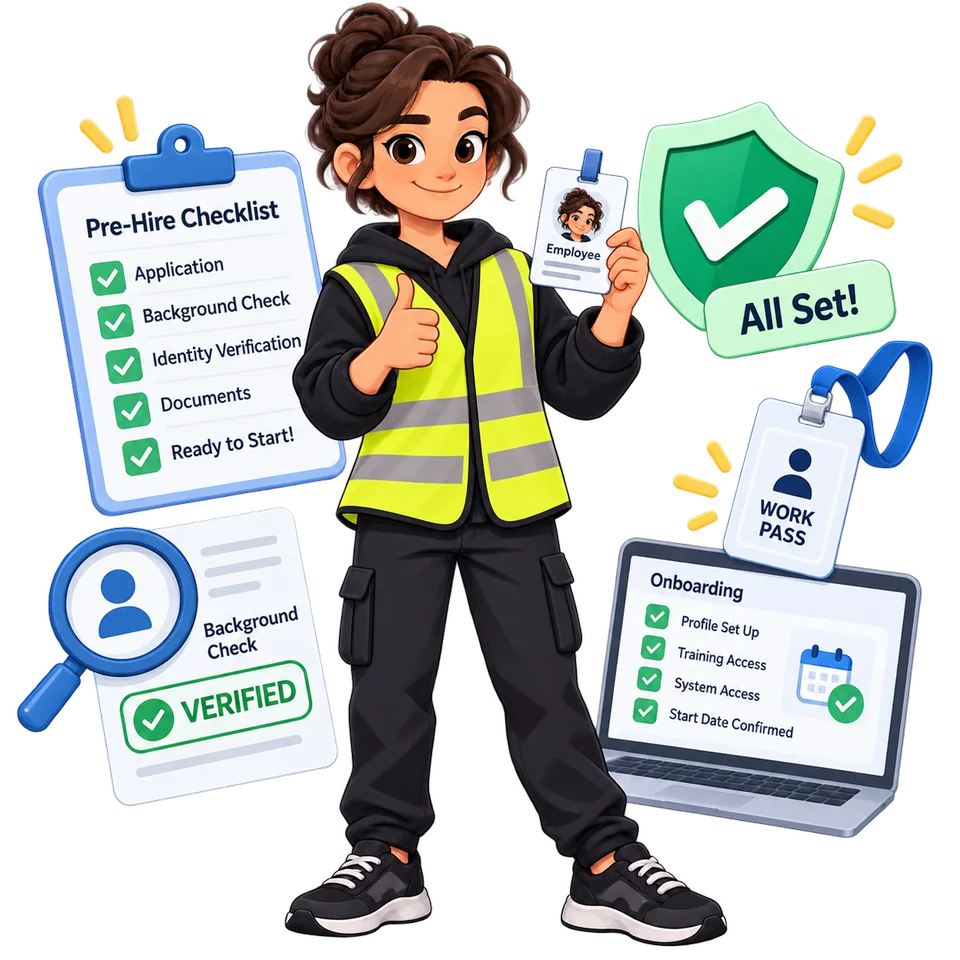
The next important stage is the Pre-Hire Appointment.
This is not your first working day. “Pre-hire” simply means that it happens before you actually start working. It is the stage where Amazon completes documents and required checks.
Depending on the country and the role, Amazon may verify your identity, confirm your right to work, take a badge photo, complete I-9 steps, start a background check, or complete other required procedures.
In the UK, part of this process may take place as a Virtual Pre-Hire Event, and your Right to Work is checked separately. In the US, most standard warehouse/hourly roles do not usually have a traditional interview, but pre-hire, I-9, screening, and other required steps still apply.
What you should do at this stage
Before the appointment, open your Pre-Hire Checklist and prepare the documents required for your specific application.
If the appointment is virtual, check the link, camera, and internet connection beforehand. If it is in person, confirm the exact location and time.
Do not assume that completing pre-hire automatically means you are fully cleared to start. Some checks may still be unfinished.
You are ready to move on when: Amazon has accepted the required documents, the necessary checks have been started, and your portal shows the next status or task.
Step 6. Wait for Screening and Background Check
After pre-hire, the screening process often starts or continues.
Screening is the general term for the checks Amazon requires before allowing you to start work.
A Background Check is one part of that process and reviews candidate information according to the requirements of the country and role.
In the US, many warehouse new hires also complete a drug test as part of the pre-employment process.
Some checks may be handled by an external screening company, so the status in Amazon’s system may not update immediately.
If you see Pending or In progress, it usually means the check is still being processed. It does not automatically mean that you failed.
What you should do at this stage
Do not keep restarting your application or create a new account. Continue checking your Candidate Portal and email.
If the screening provider asks for additional information, reply as quickly as possible. If your expected start date is close and the background check is still pending, it may be worth contacting Candidate Support to confirm the status.
You are ready to move on when: the required checks show as completed or cleared and the process moves toward final start-date confirmation.
Step 7. Do not confuse a Tentative Start Date with a confirmed Day 1
You may see a Tentative Start Date in your account. This is a preliminary start date.
You may also receive a Conditional Offer or Contingent Offer. This means Amazon is offering you the job on the condition that you successfully complete the remaining required steps.
These are positive signs, but they do not mean you should stop checking your account and simply wait for your first shift.
In real candidate experiences, screening sometimes takes longer than expected, and a tentative start date may be moved. In some cases, the selected shift can also change.
What you should do at this stage
Keep checking your portal and email until you receive final Day 1 instructions.
If the date changes, follow the most recent Amazon message. If someone tells you verbally to come on a different date but your portal still shows the old one, contact Candidate Support and try to get the change confirmed.
You are ready to move on when: you have a confirmed first working day and clear instructions about when and where to report.
Step 8. Complete Onboarding
Onboarding is the general process of setting you up as a new employee before and around your start date.
It may include electronic employment documents, payroll information, company policies, access to employee systems, and other required tasks.
In the US, some paperwork may be completed through MyDocs.
Do not confuse onboarding with training. Onboarding is the administrative process of setting you up as an employee. Training is where you learn how to do the actual job.
What you should do at this stage
Complete every document or task that appears in your portal or arrives by email. Do not leave required forms unfinished if Amazon gives you a deadline.
Before Day 1, check the latest Amazon message again and confirm the address, start time, footwear or PPE requirements, and any documents you are expected to bring.
You are ready to move on when: your administrative tasks are complete and you are ready to physically attend your first working day.
Step 9. Attend Day 1 and do not expect to be left working alone immediately
Day 1 is your actual first day of work.
Most new hires first go through Orientation — registration, safety information, site rules, and an introduction to the building. After that comes Training, where you learn the specific job you have been assigned.
You may be assigned to pick, stow, pack, dock, sort, or another process path. You do not need to know these jobs in advance.
Training is often provided by a Learning Ambassador — an experienced Amazon associate who helps new employees learn the process.
What you should do at this stage
Plan Day 1 as a full shift, not as a short paperwork appointment.
Arrive with enough time to park and find the correct entrance. Bring whatever your Day 1 instructions require. If safety footwear is required, wear it. Plan for food, water, and your trip home, especially if you are working a long or overnight shift.
During training, ask questions whenever something is unclear. If you do not understand the scanner, workstation, item flow, or a safety instruction, ask again.
You are ready to move on when: you have completed orientation, received your badge/access if applicable, and started training in your assigned process.
Step 10. Treat your first week as part of the learning process
The biggest surprise for many new hires is not that the work is difficult to understand, but that it can be physically demanding.
The task itself may be simple, but standing, walking, repeating the same movements, and working long shifts can feel very different if you previously worked in an office or have never worked in a warehouse.
You may also start seeing terms such as rate, UPH, quality, or takt. These are productivity and quality measurements. Do not try to match the speed of someone who has been doing the same process for months.
What you should do at this stage
Work in this order:
safety → understand the process → do it correctly → become consistent → gradually increase your speed.
If something is not working, ask your trainer, Learning Ambassador, or manager before looking for a workaround online.
If you experience strong or unusual pain, an injury, or an unsafe situation, report it through your site’s safety or management process.
You are ready to move on when: you understand your process path, your schedule, the basic site rules, and can work more independently.
Important terms you should not confuse
Some Amazon terms sound similar but describe completely different stages.
Selected shift means you selected a schedule, but your application still needs to be completed and submitted.
Tentative start date is a preliminary start date.
Contingent / Conditional Offer means the job offer depends on completing the remaining required checks.
Pending means the process is still being completed. It does not automatically mean rejection.
Pre-Hire Appointment is a document and screening stage before you start work.
Onboarding is the process of setting you up as a new employee and connecting you to the required systems.
Orientation is the introductory part of starting work: safety, rules, and learning the site.
Training is where you learn your specific job.
Day 1 is your first real working day.
The most common mistakes first-time applicants make
Most first-time applicants do not run into problems because they lack warehouse experience. They run into problems because they misunderstand the process.
Do not leave your application unfinished after a suitable shift becomes available.
Do not choose night shift or Flex only because the pay looks attractive without thinking about sleep, transportation, and actual shift availability.
Do not treat a tentative start date as final confirmation.
Do not stop checking your email after the pre-hire appointment.
Do not assume that a Seasonal position will automatically become Regular.
And do not try to prove yourself by working faster than everyone else during your first few days. It is much easier to learn the correct process first than to fix bad habits later.
The entire process in one short sequence
Decide what schedule works for you → find an active vacancy → fully submit the application → complete any required assessment or identity verification → attend the Pre-Hire Appointment → wait for screening and background checks to clear → receive your confirmed Day 1 → complete onboarding → attend orientation and training → start regular work.
If you have never worked at Amazon before, this is enough to understand the process without getting overwhelmed. You do not need to know Amazon’s internal systems, warehouse slang, or how to use an Amazon scanner before you start.
Your job before Day 1 is simply to move through the hiring process carefully, complete every required step, respond to document or screening requests, and show up on the confirmed date ready to learn. Everything else will be taught on site.
Official resources to verify current steps
Amazon can change its process by country, role, and site. Use these official resources together with the Candidate Portal and messages for your own application:
- Amazon Hourly Jobs FAQ
- Amazon shifts and schedules
- Canada: Language Proficiency Assessment and Identity Verification
- UK: Basics of Amazon jobs and hiring
- US: Start date and first day
About this guide
Published ; last reviewed by ShiftSniper Editorial Team. Amazon controls its hiring process and may change country-, role-, or site-specific steps without notice.
Return to the top